Twitch Panels
Firstly - Twitch Panel Dimensions. As mentioned above, they should be a width of 320 pixels, but the height can be up to you! Some have integrated panels that are longer, and some use a smaller panel with written information underneath. Both are solid options, but the latter is more easily customised when updating your information.
Some points to consider when choosing your Twitch Panels:
- Pick a design that suits your stream! Whether that is the game you play, or more representative of the community you wish to foster, or just a reflection of your personality - choose panels that reflect this and are engaging to look at.
- What do you want your branding to be? Choose colors, themes and other elements of your branding to be reflected in your panels.
- Keep your panels clear, free of clutter, and concise.
- Arrange your Twitch Panels in an organised manner, and start with the most important information.
- When adding information to be used with your Twitch Panels, such as your stream schedule, information about the streamer, sponsorships and so on, write cleanly and avoid using too much text.
Twitch Banners
This will likely be the first thing that someone notices coming into your stream, as it is the most prominent image on your channel. Getting Twitch Banner dimensions correct is important to make sure that the header is clear, contains useful information such as socials and handles, and is of high quality. Pixelated banners appear less professional than a more premium Twitch banner that is sized correctly at 1200 x 480 pixels.
- Include call to actions within your Twitch Banner! You can show your social media, sponsors, schedule information - whichever you want to show first that engages your viewers with your content.
- Keep your branding consistent, think about the other elements used in your stream.
- Make sure it isn't too busy with text and images. Get the right balance.
Twitch Offline Screen
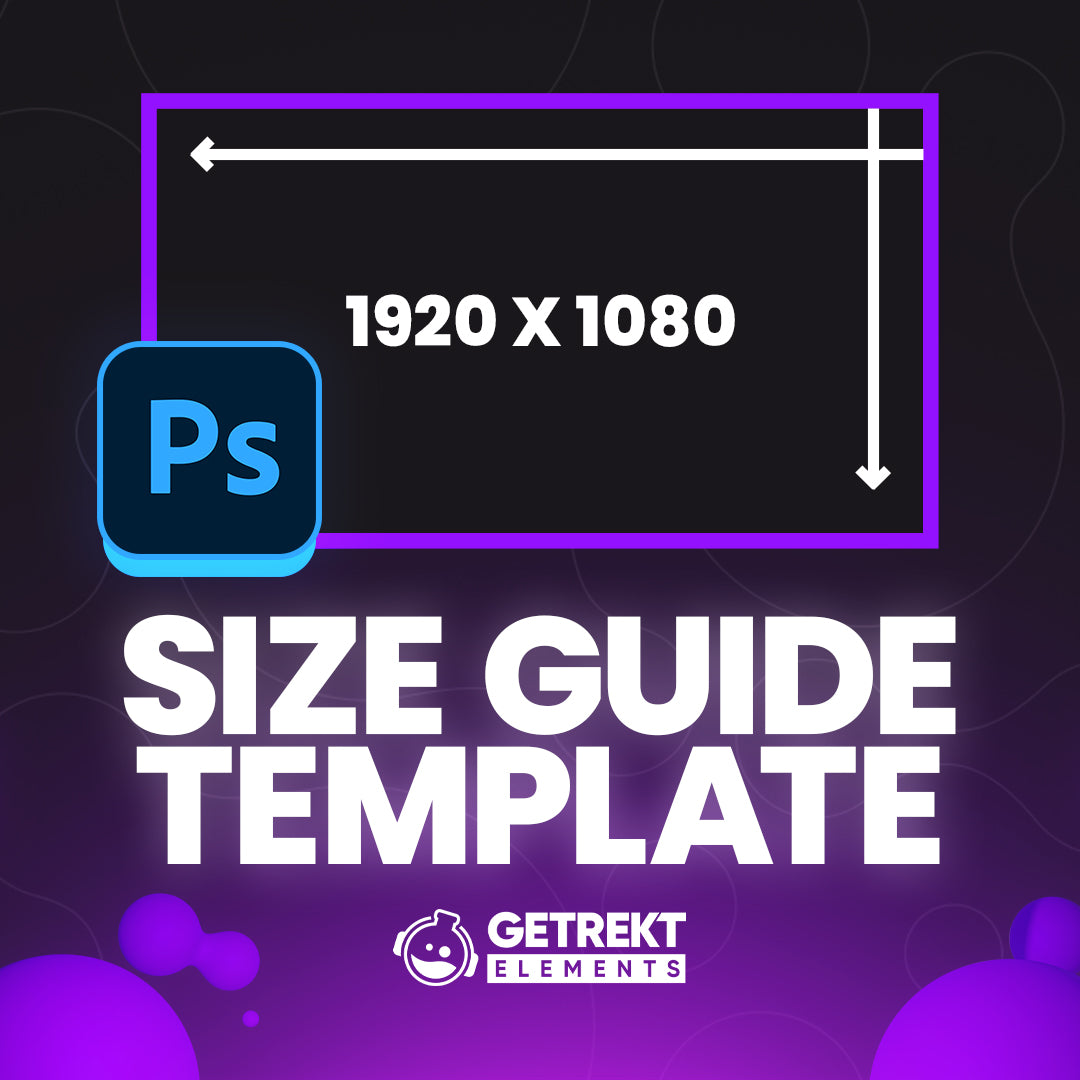
Along with getting Twitch Offline Screen dimensions correct so that the graphic is easily readable, this is very similar to your Twitch Banner in terms of context. For Offline Screen size, you will need to set it to 1920 x 1080 pixels.
- When you are offline, this can be as prominent as your Twitch Banner to your potential viewers.
- Include call to action information - this is a great place to include your schedule! If you are offline when someone comes to check out your Twitch Channel, then let them know when they can catch you!
- Continuing on theme, make sure the branding is consistent, you have clear information set out that is balanced with imagery, and that the Offline Screen dimensions are correct to allow for a professional looking graphic.
Twitch Profile Picture
On your main channel screen you will also find a place for a profile picture. Twitch Profile Picture sizes is best set at 800 x 800 pixels.
- Choose a profile picture that represents you! This could be either yourself, or a mascot. Whichever you are most comfortable with.
Twitch Subscription Badges
Subscriber badges are one of the many bonuses received by people who subscribe to your channel. They get to show this off in chat to mark how long they have been supporting the stream. Twitch Subscriber Badge size should be set at 72 x 72 pixels, 36 x 36 pixels and 18 x 18 pixels.
- Choose a badge that reflects the amount of months or years your subs have been supporting you
- These could show a hierarchy but all should be desirable to have for subs of all levels.
Twitch Emotes
Along with Twitch Sub Badges, Twitch Emotes: Size matters! Emotes can be static or animated and should measure 112 x 112 pixels, 56 x 56 pixels and 28 x 28 pixels.
- Emotes, whether animated Twitch emotes or static Twitch emotes, should be chosen carefully as these are a huge part of a subscription to your channel.
- Emotes should show what your stream is like and you should be happy for them to be used across the Twitch platform.
- They should be attractive so that when used in places outside your channel, people want to use them. This can bring in additional subs just for your emotes.
Twitch Overlays
Twitch overlay size depends on the exact item that is being used, but for simplicity and what is listed within Twitch - screen sizes is 1920 x 1080 pixels, and your bottom bar that can show events, icons and more is 1920 x 30 pixels.