What's Included?
Try It Now
Try It Now
Add a video URL in the section settings to show the full product demo.


 OBS
 Twitch
 YouTube
 Facebook Gaming
 Kick
who have upgraded their stream & increased viewer activity with GETREKT Elements stream overlays.
Add a video URL in the section settings to show the full product demo.

Keep your audience hooked with dynamic stream overlays that add visual impact, spark engagement, and hold attention even during downtime.

Supercharge your stream growth with overlays and alerts that captivate viewers, boost engagement, and turn followers into subscribers.

Add alerts, widgets, emotes and more that viewers can trigger to show support and stay engaged with your channel.

Build a unique brand identity that makes your channel instantly recognizable and sets you apart from the rest.

GET YOUR STREAM SET UP IN MINUTES
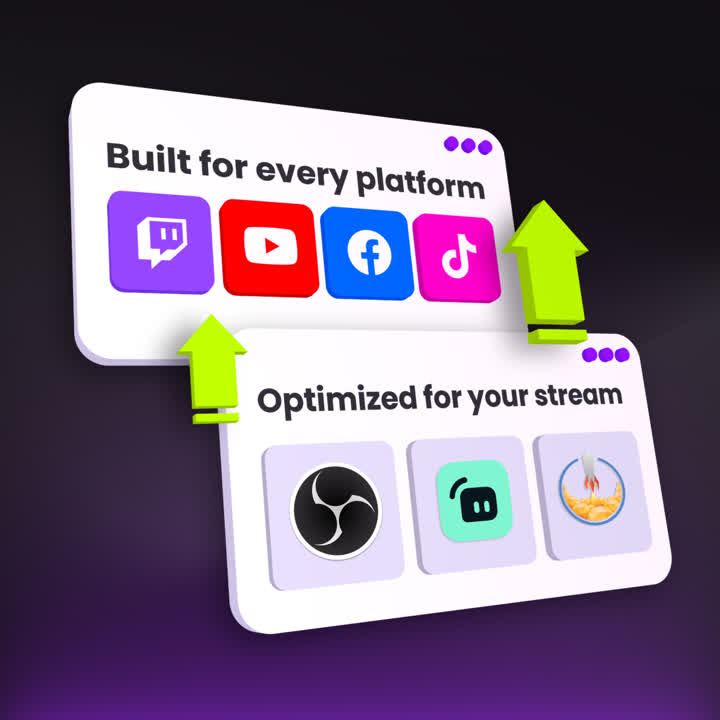
Our unique 1-click setup will have your stream overlays installed into most major platforms in minutes.
With our video and written guides, you can upgrade your stream quickly and easily, and get back to creating content.
If you need help getting set up, join our Discord for live support.
FREE TRIAL
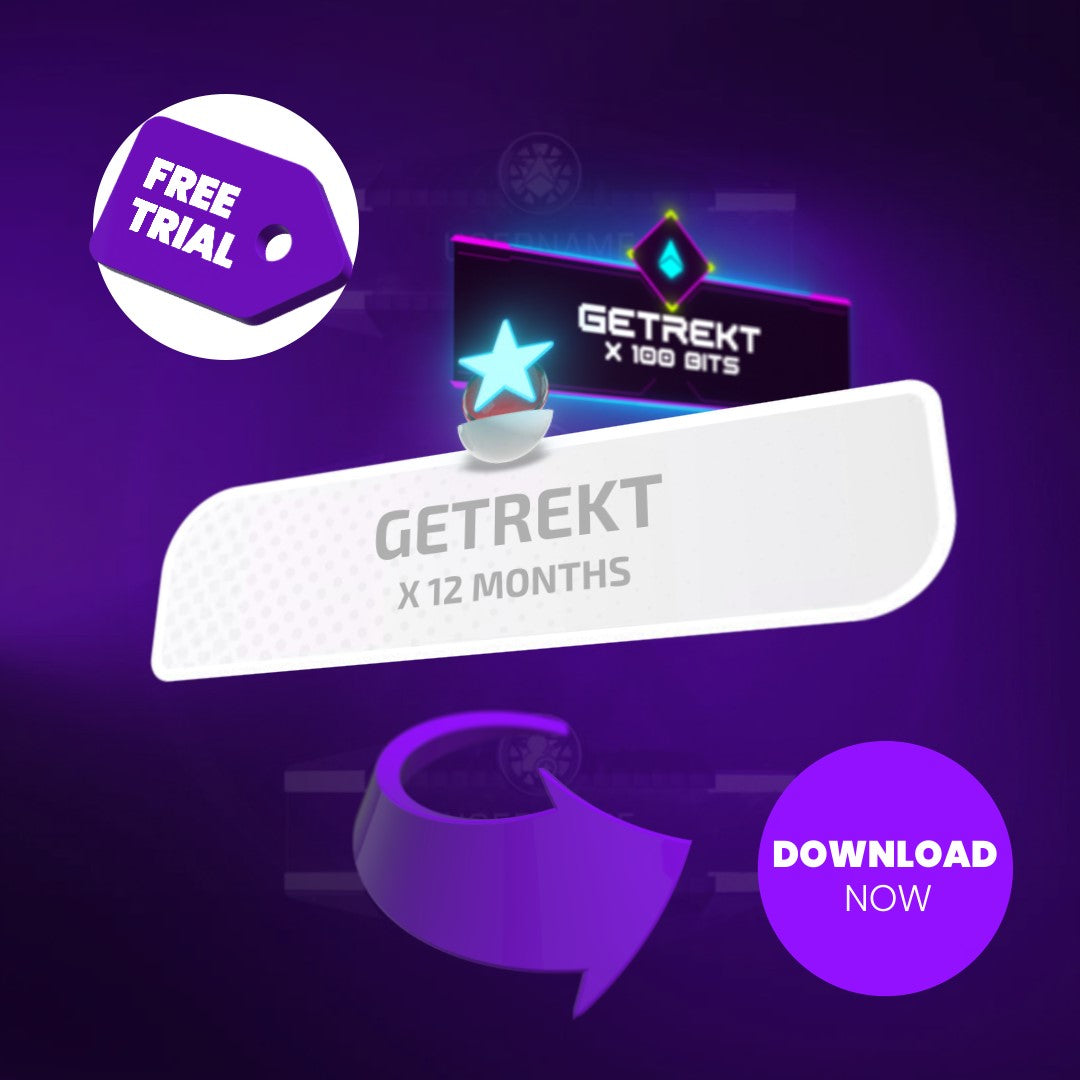
New to GETREKT? Download one of our free stream overlays and get started in minutes with alerts compatible with Streamlabs, StreamElements and OBS with easy one-click setup. Ready to upgrade your full stream production? Check out over 500 Twitch and stream overlays on the GETREKT Elements store.
You can create an account HERE.
Our stream overlays are created for use with Twitch, YouTube, Facebook Gaming & most major streaming platforms - as well as compatible with Streamlabs, StreamElements & OBS.
Additional details can be found on individual product pages.
Once you have purchased your Elements stream overlays, you will receive an email with download links for your items.
This email will be sent to the email address you used at checkout - if you paid by PayPal, Apple Pay or Google Pay please check the email address associated with that account.
If you have an account on our website, you can access your purchases from your account area. You can create an account HERE.
Once you have downloaded your items, they are easily installed with our 1-click setup into StreamElements, Streamlabs & OBS.
For guides, visit our Resources section which features both video & written guides to help you seamlessly set-up your new graphics.
The Resources section of our website is home to our helpful guides for setting up your Elements stream overlays!
If you need extra help with setting up, please join our Elements Community Discord for on hand support from the team.
All of the customizable options available to a certain product are listed on the individual product page.
Due to the way our team creates some animated items, not all are customizable.
For more information on this & other questions regarding editing, please visit our FAQs page or get in touch with the team via our Elements Community Discord.
Have more questions about our Elements stream overlays, Labs custom stream overlays, or want to find out more information about something specific?
Join our Elements Community Discord to get in touch with the team.
Click the link below to fill out a contact form and we'll do our best to be back in touch as soon as we can about any questions you might have about our stream overlays and setup for OBS Studio, Streamlabs and StreamElements.
Had a look at our Guides and need further support with setting up or optimizing your stream overlays? Join our Discord for direct setup help from the GETREKT team, as well as exclusive streaming tips, news, discounts & more.
You must have an account and be signed in to access your wishlist
Don't worry you can continue shopping without creating an account, but you won't be able to save items to your wishlist